BM3 Racing

Automobilista 2 · Windows 10 / 11

AMS2 Tools

Clone cars and tune the clones, without ever touching the original game files. Free and open source (MIT). No account, no ads, no telemetry.

Download Source on GitHub Pre-release · first public version coming

You need PCarsTools to clone the game’s own cars

The cars that come with Automobilista 2 are stored in packed files. To read them, AMS2 Tools uses PCarsTools, a free community tool made by someone else (Nenkai). It is not included in AMS2 Tools and BM3 Racing does not distribute it: you download it yourself and choose its folder in Settings. The app finds it automatically if it sits in your game folder (PCTOOLS) or in Downloads.

Without PCarsTools you can still clone cars that have loose files (most community mods).

What it does

Clone a car

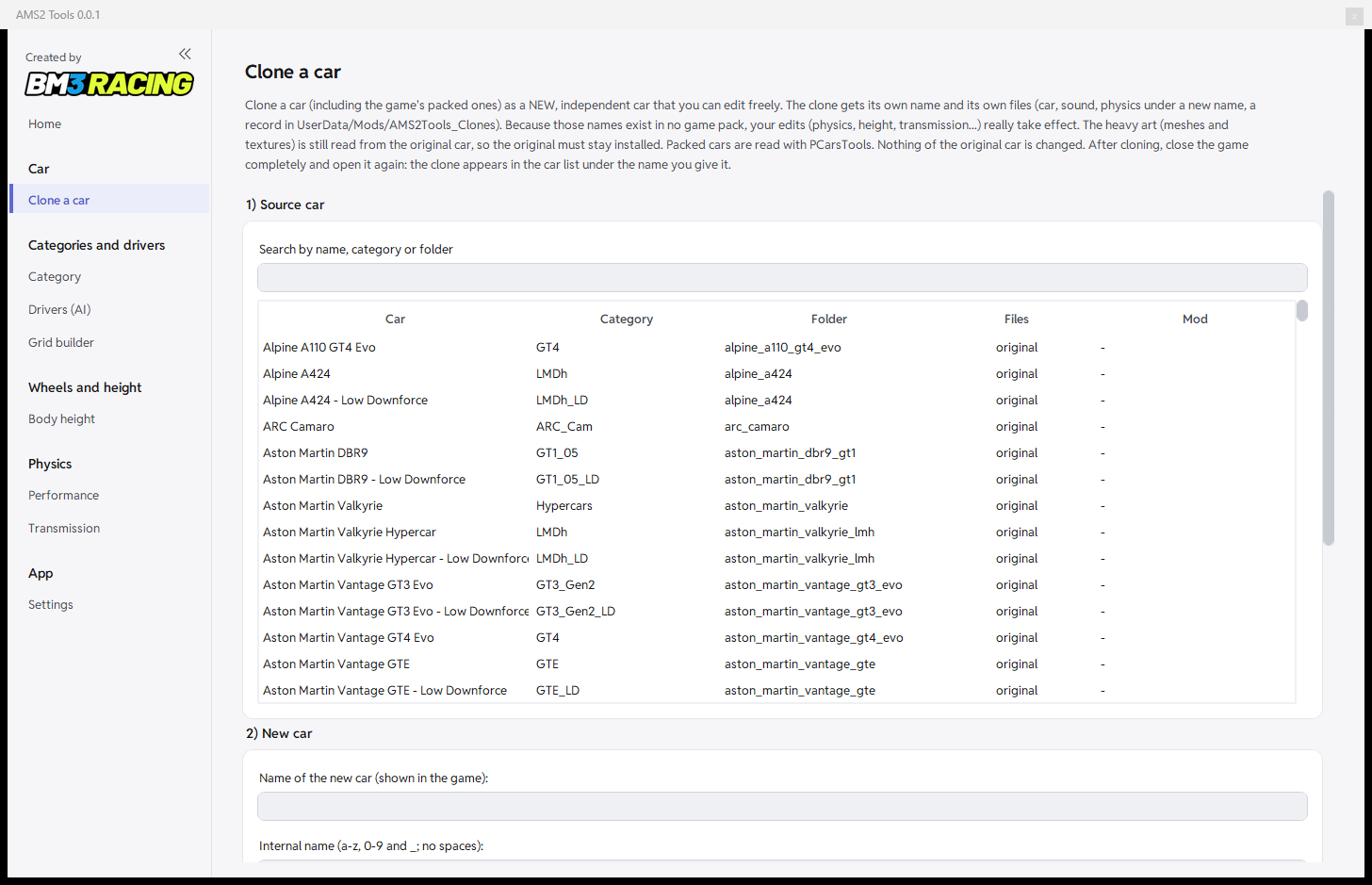
Makes an independent copy with its own name, files and physics, listed in the game under the name you choose. Your edits really take effect because the clone is a new car.

Tune the clone

Body height (the 3D driver and the cockpit camera follow), power, gearing and transmission. Every change can be restored to the original values.

Categories, drivers and grids

Create categories, calibrate AI drivers and assemble grids. A grid always creates a new category and never overwrites an existing one.
Made to be safe

  • Only clones are edited. Original cars and game files are never modified; a central guard refuses any write outside the files the app created.
  • It will not write while the game is running and asks you to close it first.
  • Restore buttons return a clone to its original values, and removing a clone deletes exactly the files the app made for it, naming the clone in the confirmation.
  • No game content is shipped. The app copies nothing from the game except onto your own PC, from your own installation.

A look

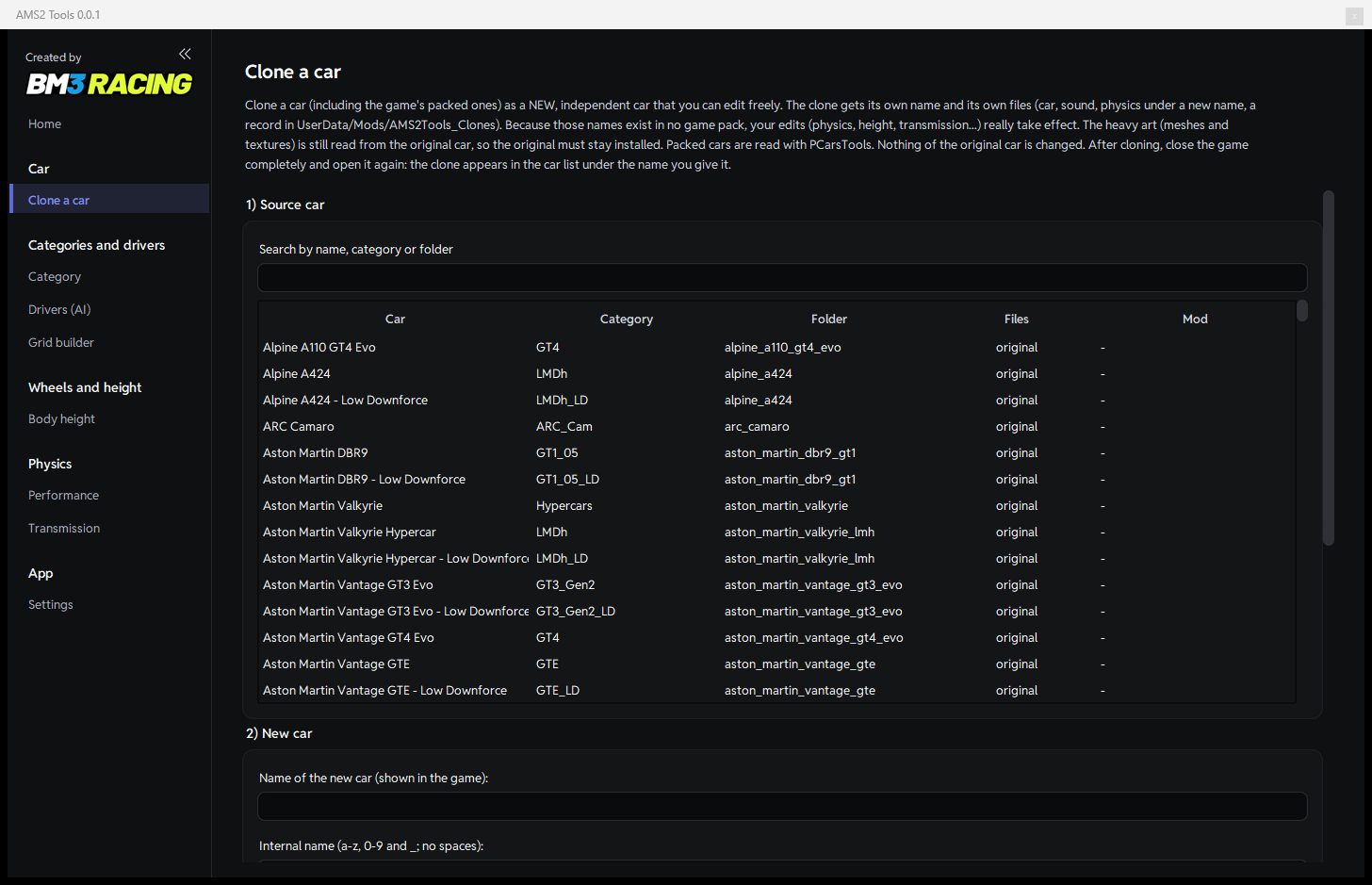
The Clone a car page in the light theme: a searchable list of cars and the new car form below The Clone a car page in the dark theme: a searchable list of cars and the new car form below
Clone a car. Light and dark themes, with a large-controls mode for touch screens.

Download

Not available yet

The first public version is being tested. When it is ready, the Windows download and its SHA-256 checksum will be here and on the GitHub releases page.

The app is not code-signed, so Windows SmartScreen may show an “unknown publisher” warning the first time you run it. Check the SHA-256 checksum against the one published with the release, or build it from the source yourself.

First steps

  1. Close Automobilista 2.
  2. Open AMS2 Tools and choose your game folder (it usually finds it by itself).
  3. Needed for the game’s own cars: set the PCarsTools folder in Settings.
  4. Clone a car, tune the clone, then open the game. The clone appears in the car list under the name you gave it.

Known issues

  • Volkswagen cars (Polo GTS and similar): a clone can show up in the game without exterior sound and without the cockpit, even when nothing was edited. The original cars are not affected. The cause is being investigated.
  • ARC Camaro: a clone of this car crashes the game when it is used. It is specific to that car; other cars cloned the same way work. The original car is not affected.

Clones are checked on disk right after they are made, and any problem found is listed in the result log.

Questions

Is it really free?
Yes. The code is MIT licensed. There is no paywall and no feature locked behind a donation.
Do I need an account?
No. There are no accounts and no telemetry. The app talks to no server.
Can it damage my game?
It only writes files it created itself, never the original ones, and only while the game is closed. Still, keep a backup of your game and your saves, as with any mod.
Is it official?
No. It is an independent community project, not affiliated with or endorsed by Reiza Studios.
Where do I report a problem?
On the GitHub issues page of the project, or by email at contact@bm3racing.com. Please include the result log shown by the app.